
Coming soon for Windows & Linux
The visual editor for your DayZ loot economy
LootEngine reads every spawnable item straight from your game and mods, shows it as a card with its real 3D icon, and edits your types.xml without touching a byte you didn't change.

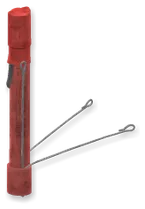

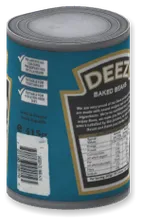
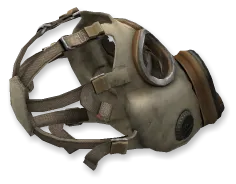
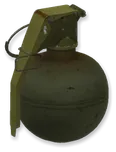
From XML to cards
24,456 lines of XML. Or one card per item.
Vanilla Chernarus alone ships a 24,456-line types.xml. LootEngine turns every tag into a control you can read at a glance, then writes your changes back into the same text.
<type name="AKM"> <nominal>3</nominal> <lifetime>7200</lifetime> <restock>3600</restock> <min>2</min> <quantmin>30</quantmin> <quantmax>80</quantmax> <cost>100</cost> <flags count_in_cargo="0" count_in_hoarder="0" count_in_map="1" count_in_player="0" crafted="0" deloot="0"/> <category name="weapons"/> <usage name="Military"/> <value name="Tier4"/></type>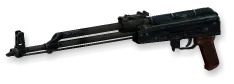
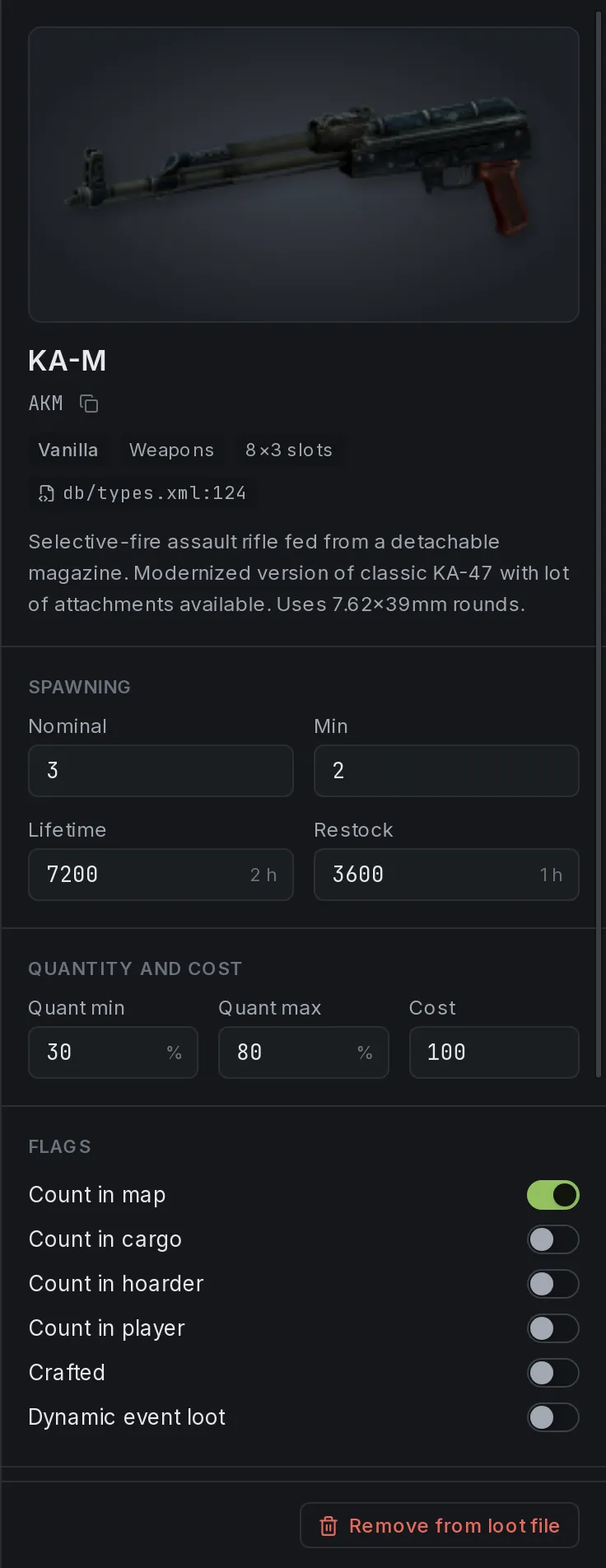
KA-M
AKM
Spawning
- Nominal
- 3
- Min
- 2
- Lifetime
- 7200 2 h
- Restock
- 3600 1 h
Quantity and cost
- Quant min
- 30%
- Quant max
- 80%
- Cost
- 100
Flags
- Count in map: on
- Count in cargo: off
- Count in hoarder: off
- Count on players: off
- Crafted: off
- Dynamic event loot: off
Category
Usage
Value
LootEngine in numbers
- items read straight from game and mod files
- 3,124
- to scan 162 PBO archives in parallel
- 0.6s
- spawnable items your loot table never mentions
- 863
- line changed when you change one value
- 1
Measured on vanilla Chernarus with 3 Workshop mods enabled.
Built for server owners
See your whole economy. Change it without fear.
- 01
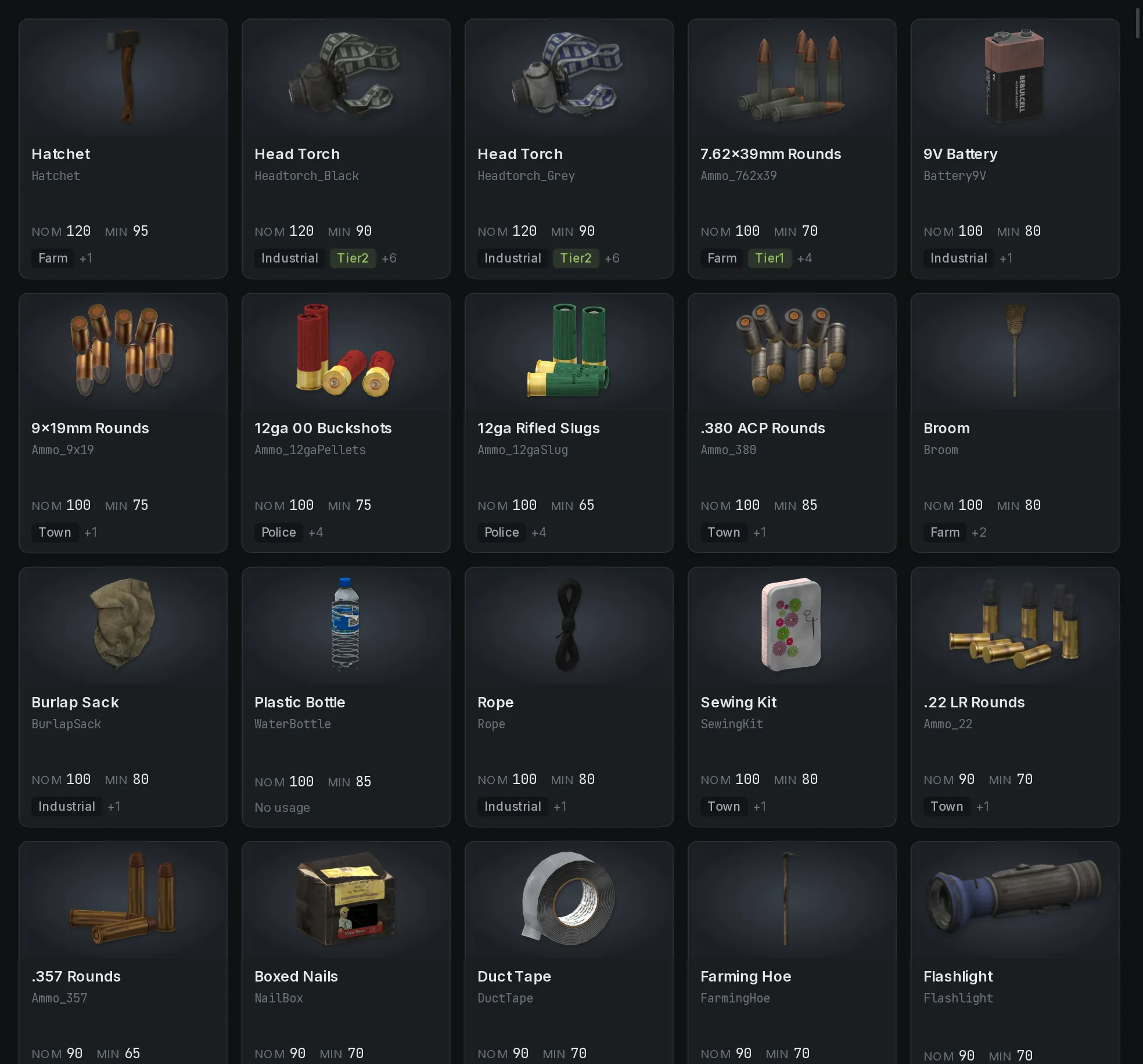
Every item, with its real icon
LootEngine opens your game's PBO archives, merges every config the way the engine does, and renders each item from its own 3D model and textures. Names and descriptions come straight from the game's string tables.
- 3,124 items found in a vanilla install with 3 mods
- Icons render in the background and are cached on disk
- Unreadable models fall back to their inventory footprint
- 02
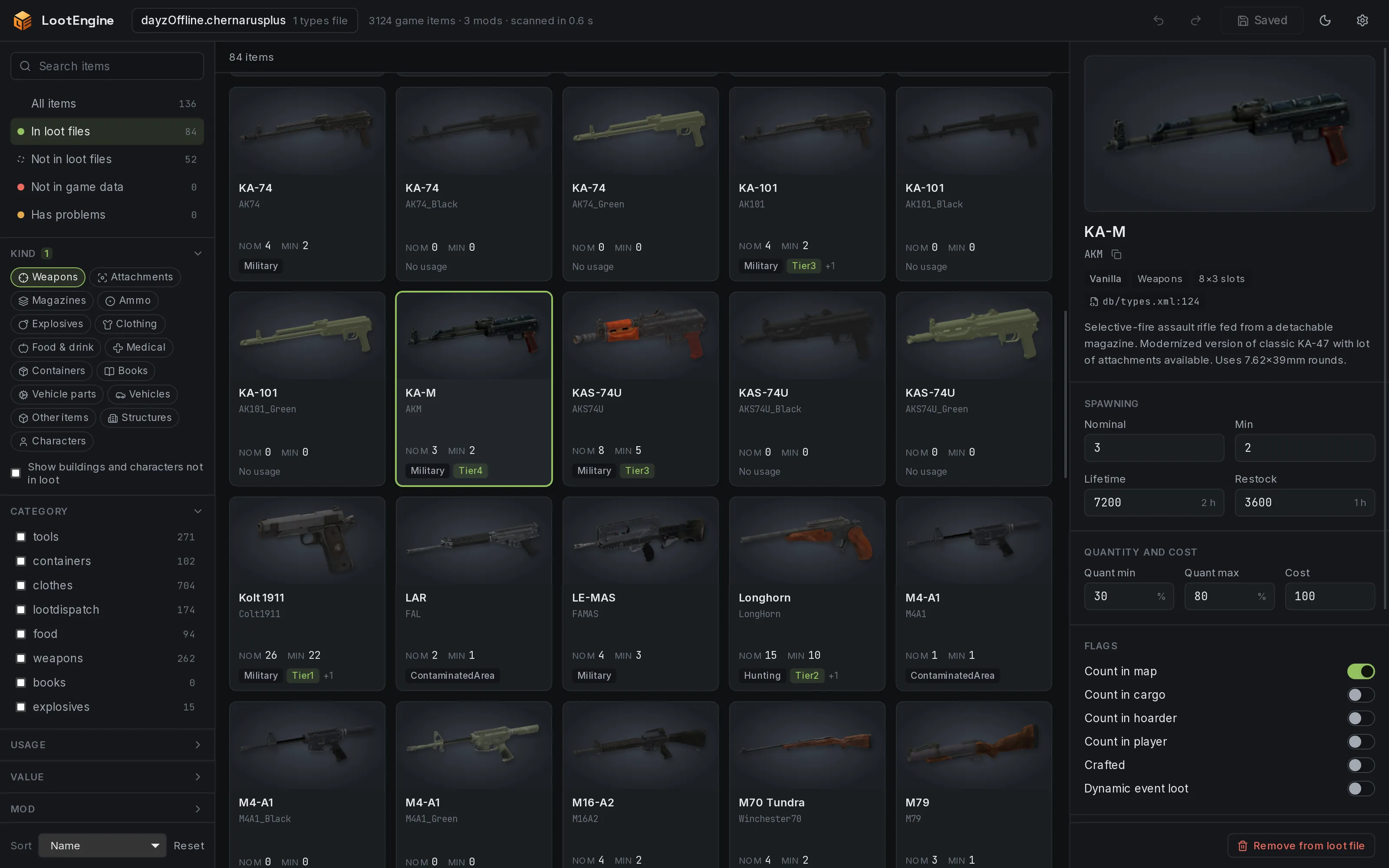
Edit with confidence
Every field of a type, laid out in plain language. Durations read as hours and days, flags are switches, and the category, usage, value and tag pickers only offer names your limits files define.
- Arrow keys nudge a value; Shift moves it by ten
- Hover any field to see what it does
- Source mod, slot size, file and line at a glance
- 03
Catches mistakes before your server does
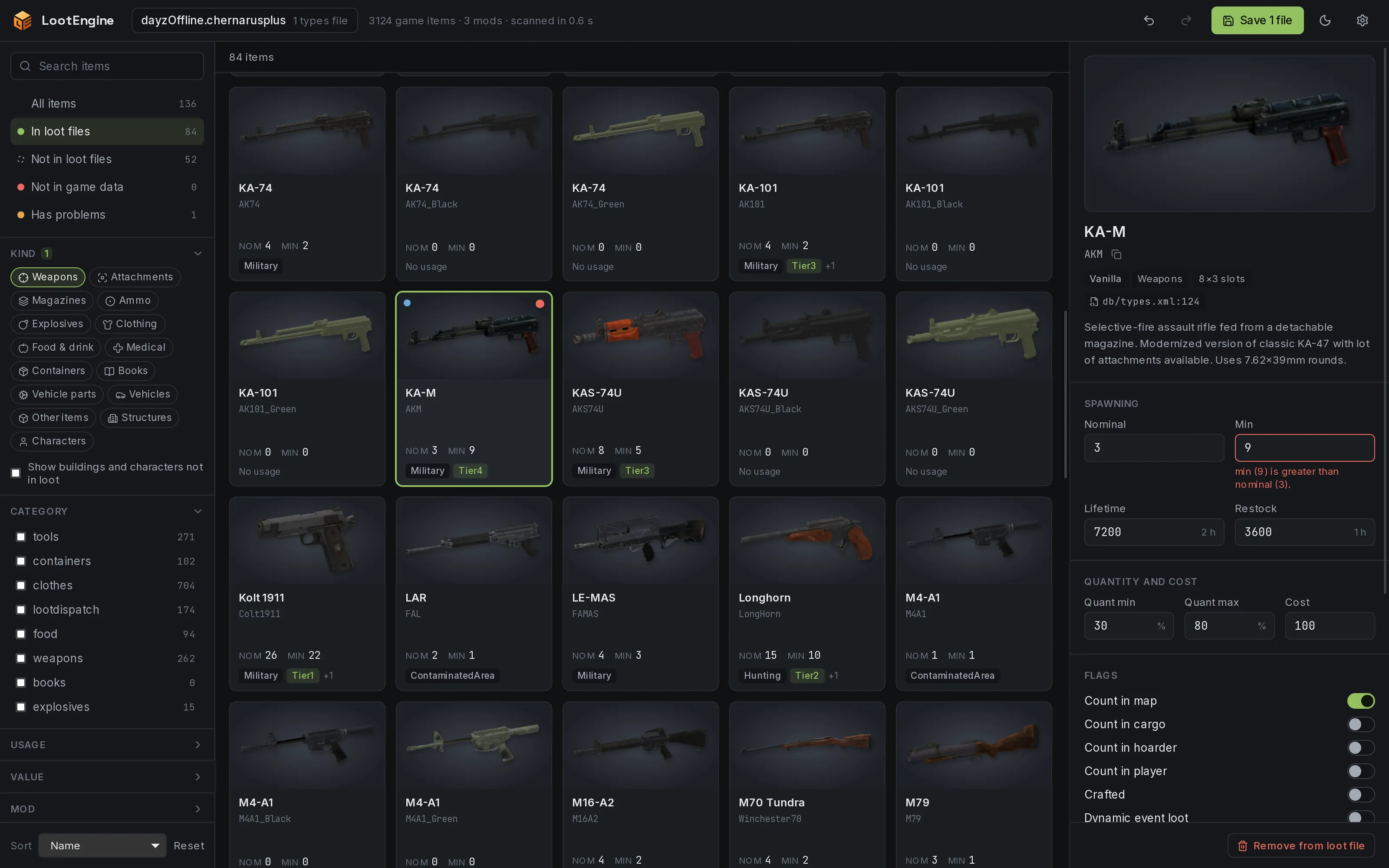
Each entry is checked as you edit, and problems show up on the field that causes them, in words rather than error codes.
- Min above nominal, zero lifetimes, out-of-range quantities
- Usage, value and tag names your limits files don't define
- Duplicates across files, and entries for classes that don't exist
- 04
Find anything in seconds
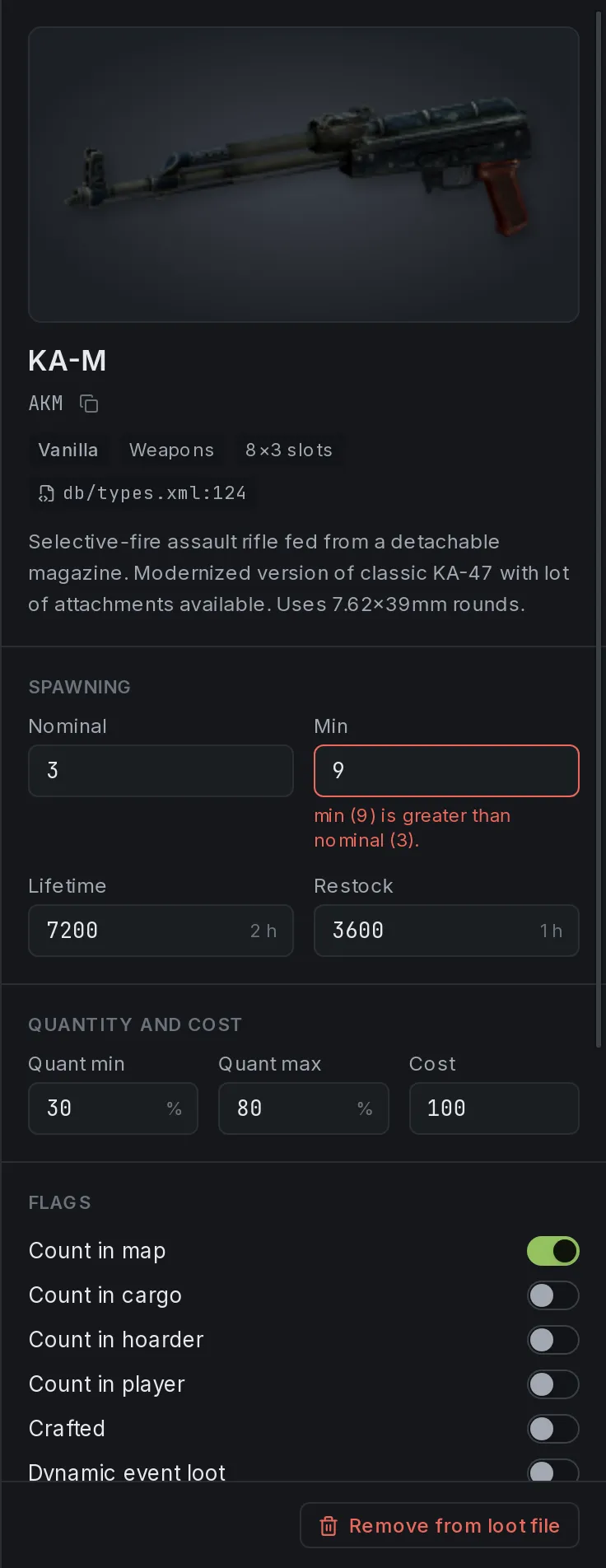
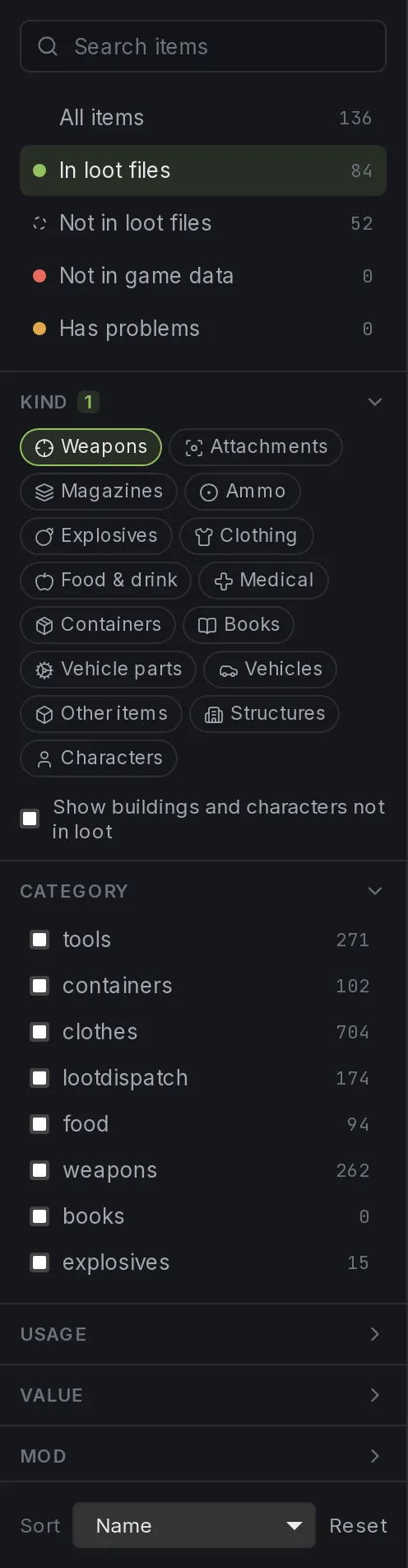
Search display names and class names, then narrow by kind, category, usage, value or mod. Live counts show where your economy stands.
- Not in loot files: 863 items that never spawn
- Not in game data: entries for classes that don't exist
- Has problems: everything that needs a second look
- 05
Mods just work
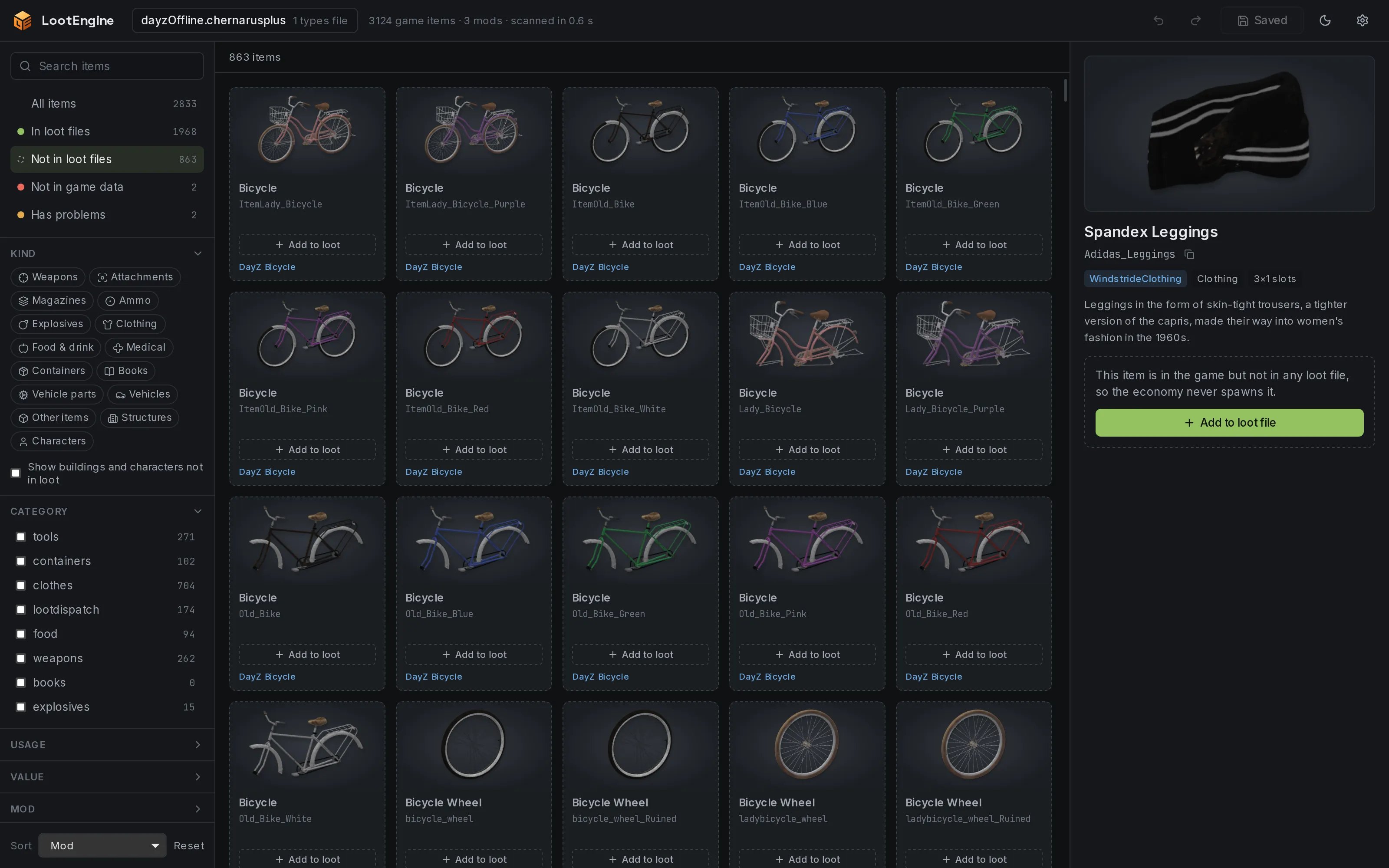
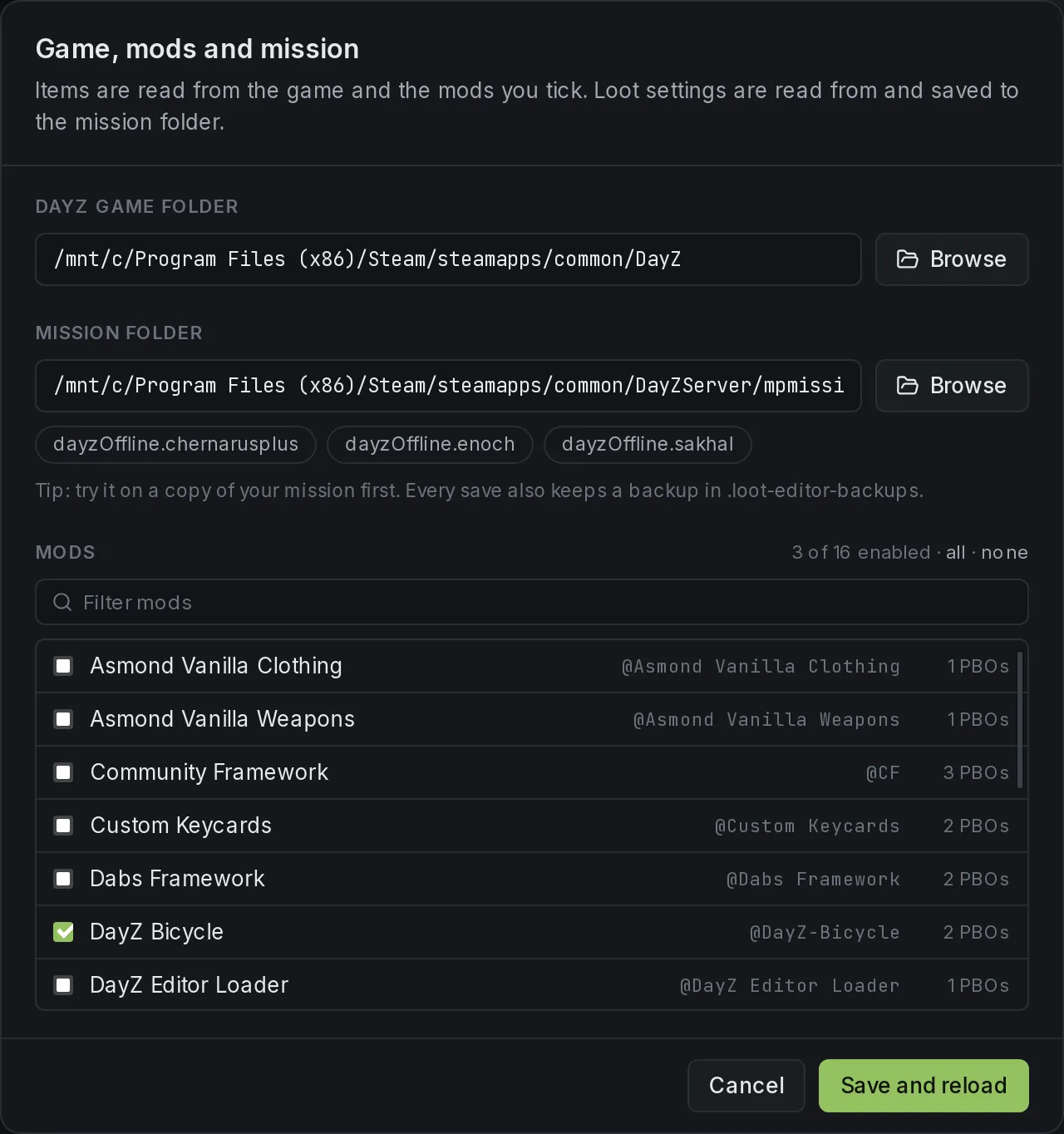
Point LootEngine at your DayZ folder and it finds your Workshop mods. Tick the ones you run, and their items sit beside vanilla with their own icons, one click away from your loot table.
- New items copy settings from their closest relative in your loot
- Obfuscated or broken mod archives won't stop the scan
- Mod types files listed in cfgeconomycore.xml load too


Lossless by design
Your files, untouched.
Saving shouldn't reformat your whole file. LootEngine treats your types.xml as the source of truth and changes only the characters you edited.
Only what you change
Edits become byte-level patches to the original text. Comments, formatting, line endings and elements LootEngine doesn't know about stay exactly as they were.
Never overwrites surprises
If a file changed on disk since you opened it, LootEngine refuses to save over it instead of throwing someone else's work away.
A backup on every save
Previous versions go to a timestamped .loot-editor-backups folder (the newest 20 are kept), then each file is written to a temporary file and swapped into place.
Undo across every file
One history covers every types file your mission loads, mods included. Undo back to where you started and there's nothing left to save.
<type name="AKM"> <nominal>3</nominal> <nominal>7</nominal> <lifetime>7200</lifetime> <restock>3600</restock> <min>2</min> <quantmin>30</quantmin> <quantmax>80</quantmax> <cost>100</cost> <flags count_in_cargo="0" count_in_hoarder="0" count_in_map="1" count_in_player="0" crafted="0" deloot="0"/> <category name="weapons"/> <usage name="Military"/> <value name="Tier4"/></type>Saved 1 file. The previous versions are in .loot-editor-backups.
The details
Small things that save you hours.
Smart add
Adding an item copies its settings from the closest relative already in your loot, like a parent class or another colour of the same bag. No more starting every new mod item from zero.
Keyboard first
Move through the grid, search, save, undo and redo without reaching for the mouse.
One undo for every file
Edits across vanilla and mod types files share a single history, so undo always does what you expect.
Any map, any mission
Chernarus, Livonia, Sakhal or a community map. If it has a
types.xml, LootEngine can open it.Real names, not class names
Display names and descriptions come from the game's own string tables, and search matches both.
Native, fast and offline
Built in Rust. LootEngine reads 162 PBO archives in parallel and has your whole economy on screen in about 0.6 seconds. No game running, no server needed, nothing uploaded anywhere.




How it works
From install to edited loot in three steps.
Step 1: Point it at DayZ
LootEngine finds Steam installs on Windows, Linux and WSL, and lists the missions in your DayZ Server folder for you.
Step 2: Pick a mission and your mods
Choose the mission you want to edit and tick the Workshop mods you run. Their items appear beside vanilla, icons and all.
Step 3: Edit, then save
Change what you need and press Ctrl+S. Only the lines you touched change, and a backup of every file is kept automatically.
FAQ
Questions, answered.
Something else on your mind? Ask in the Discord or email hello@lootengine.io.
What is LootEngine?
LootEngine is a desktop app for editing DayZ's Central Economy loot files. It reads every spawnable item from your game and mod PBOs, shows each one as a card with its rendered 3D icon next to its loot settings, and saves your changes back to types.xml.
Will it mess up my types.xml?
No. LootEngine changes only the characters you edited, so comments, formatting and anything it doesn't recognise stay exactly as they were. It refuses to overwrite a file that changed on disk since you opened it, and every save keeps a timestamped backup in .loot-editor-backups.
Does it work with mods?
Yes. LootEngine finds the mods in your Workshop folder, reads their items and icons from their PBOs, and loads any extra types files your mission lists in cfgeconomycore.xml. Obfuscated or broken mod archives are skipped and reported rather than stopping the scan.
Which maps does it support?
Any mission with a types.xml: Chernarus, Livonia, Sakhal and community maps alike. Categories, usages, values and tags come from the mission's own limits files.
What do I need to run it?
A Windows or Linux PC with DayZ installed, since LootEngine reads item data from your game files, plus the mission folder you want to edit. It works entirely offline and doesn't need the game or a server running.
Which files can it edit?
LootEngine focuses on types.xml, the file that decides what spawns, how much and where. It reads your limits definitions (cfglimitsdefinition.xml and cfglimitsdefinitionuser.xml) so the pickers only offer names your mission defines.
When is it coming out, and how much will it cost?
We're polishing LootEngine for its first release now. Join the waitlist or the Discord to hear first, including launch dates, pricing and early-access news.
Is LootEngine made by Bohemia Interactive?
No. LootEngine is an independent tool and isn't affiliated with or endorsed by Bohemia Interactive. DayZ is a trademark of Bohemia Interactive a.s.

Be the first to know.
Join the waitlist and we'll email you the moment LootEngine is ready. Early sign-ups hear about launch dates, pricing and early access before anyone else.